360-Degree Video Production Tips: User Experience Comes First
Image: Pexels
Over the past year, many organisations have been experimenting with virtual reality and 360-degree video. Many successful 360-degree video cases show that this new medium has become a new way of telling stories. However, producing for this new medium is often expensive and costly. Drawing on their own experience, the digital platform editors at Euronews reveal how to produce 360-degree video more cost-effectively with existing technology, and how to approach video positioning and editing during the creative process. Their insights offer useful reference for media organisations developing 360-degree video.
Over the past year, as virtual reality technology and 360-degree video have attracted wide attention from the industry and the public, many news media have also begun to adopt this new medium. This shows that it is becoming an effective way of telling news stories.
However, many bottlenecks remain. For example, the equipment needed for filming is relatively expensive, and post-production editing and production costs are considerable. In addition, compared with traditional media, sourcing virtual reality and 360-degree news material requires more resources, more time and higher skill levels.
1. Making Use of Existing Resources
Six months ago, Euronews brought a virtual reality technology expert into the newsroom to run a training course for its reporters, editors, graphic designers, producers and other staff, teaching them how to produce 360-degree video.
In addition, Euronews has a full-time 360-degree video specialist. Their role is to provide timely help whenever other newsroom staff run into problems while producing video. They said, “We want our reporters to be able to film without pressure. To achieve this, we need to recognise and understand how 360-degree video is created and how mistakes arise. These are all part of what has to be learned in practice.”
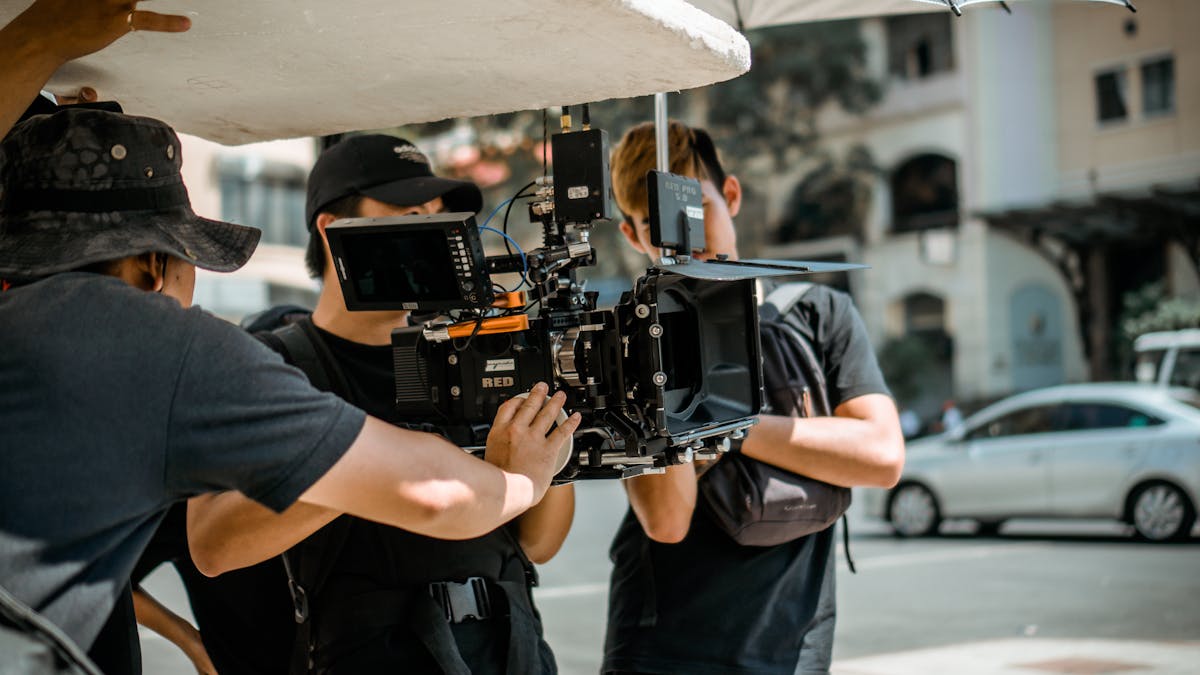
The specialist pointed out, “We use the Samsung Gear 360 to capture footage. The device is small and flexible, and fits into a pocket. We did not want reporters to use GoPro cameras, because that would place an extra burden on them. Although filming quality is somewhat affected as a result, we are a news organisation, and obtaining useful information in time comes first for us.”
Thanks to its global team of reporters, Euronews collects video footage from all over the world. From Washington to Peru, a large amount of 360-degree footage is gathered every day.
2. What Can Be Learned
Throughout the video creation process, the production team faced many challenges. Duncan Hooper said, “At every stage we had to start from scratch. Especially as an experimental project, the resources available for 360-degree video were limited. We had to use new equipment we had never used before, and there was no ready-made filming method to follow. In the beginning, our audience did not even know what 360-degree video was. It is a completely different way of expressing a story.”
1. Position the Format Accurately
When starting to create 360-degree video, you need to know exactly what you want to produce and how you want viewers to interact with the video. “Before you start production, you need to be clear about your goal. You cannot set out to make one type of video and end up with another.”
2. Guide the Audience at All Times
When Euronews published its finished 360-degree videos on online platforms such as Facebook and YouTube, viewers’ comments helped it discover some obvious mistakes. “We noticed that viewers often did not know where to look and were constantly disoriented in the video. Viewers are often dropped into scenes full of action, and they often worry about missing something. It is not just about missing the picture. Viewers need to be guided by the people on screen or by a voice-over narration, otherwise they will leave.”
3. Consider the Technical Issues Thoroughly
“360-degree video does not mean you always have to show 360 degrees.” Viewers’ habits are generally still to watch the 180-degree arc in front of them. So the person filming needs to judge what viewers want to see and then fix the camera position appropriately. “Panoramic video shot with a fisheye lens works better. When filming, focus the lens on certain scenes. In post-production, show viewers at the start of the video what you want them to see, so that they know what you are going to convey.”
4. News Still Matters Most
Like any video, 360-degree video needs to capture the viewer’s attention within the first three to five seconds. And once the video has finished playing, viewers should be able to recognise that what they watched had a theme.
“So your editing approach is important. If you keep cutting between different scenes, the viewing experience feels strange. You therefore need to think about how shots are cut in, so that scenes transition smoothly, the viewing experience improves and viewers’ train of thought is not disrupted. Media organisations should think carefully about why they want to bring viewers an immersive experience. Sometimes this kind of panoramic video is useful, but sometimes it makes no sense for telling the story.”
“This is a learning process, so it is best not to rush in before you have gained deep experience and mastered the essentials. Most importantly, start from the audience’s perspective first, and do not hastily abandon traditional news thinking.”
http://dy.163.com/v2/article/detail/C3LAFUFV05118VJ5.html
Want results like this?Our Express package is director-led, with pricing and delivery time agreed up front.
View the Express package →